Blog · Thoughts · 4 min read
Your smart home shouldn't care which phone you own
Why an Apple Home should speak open standards — REST, MQTT and MCP — and where staying inside Apple's walls is still the right call.
By Rob Parker
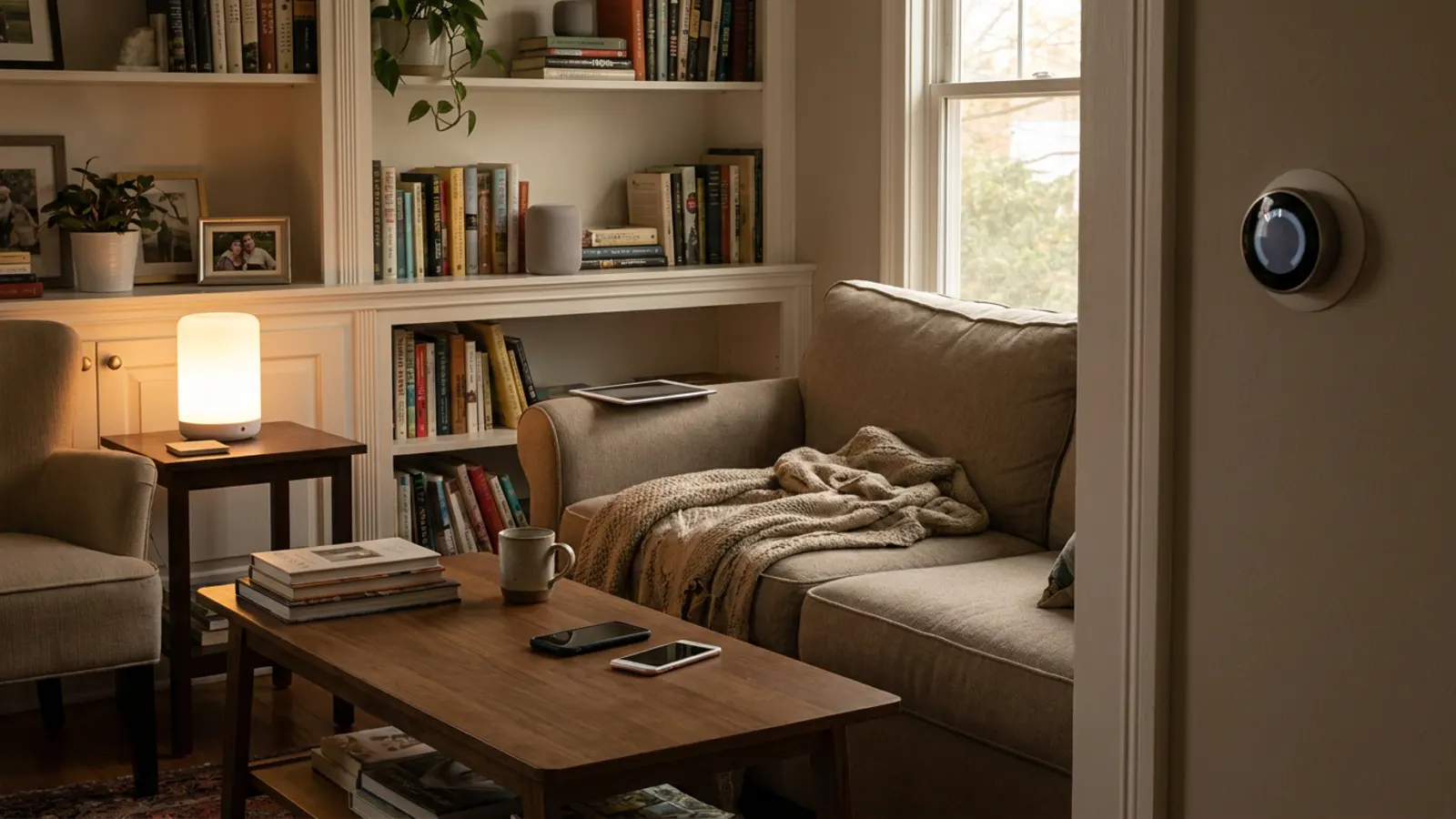
The light switch by your front door doesn't ask who you are. It doesn't check your phone, your operating system or your account. It works for you, your guests, your kids and the plumber, and it'll still work in thirty years.
Smart homes forgot that. Somewhere along the way, the house started belonging to a phone. Set up your home in Apple Home and it's a lovely place to be — if everyone who lives there has an iPhone. The moment someone doesn't, the house splits in two: the people who can control it, and the people who have to ask.
Why it happens
None of this is malicious. Apple Home is built around Apple's devices because that's what makes it good: your home hub, your iPhone and your Watch know each other, your data is end-to-end encrypted, and things mostly just work. The walls are part of the product.
The trouble is that a home isn't a product. It's a shared space that outlives the phones in it. People move in and move out. Children get their first phone, and it isn't the one you'd have chosen. A guest stays for a week. A carer needs to turn the heating up. You want your house to talk to a spreadsheet, a doorbell from a company Apple doesn't work with, or an AI assistant you'd like to try. And every one of those runs into the same wall.
The fix isn't another walled garden
The obvious answer is to move the whole house somewhere more open. Some people do, and for some people it's right — Home Assistant is a brilliant project, and if you enjoy running your own server, it's hard to beat.
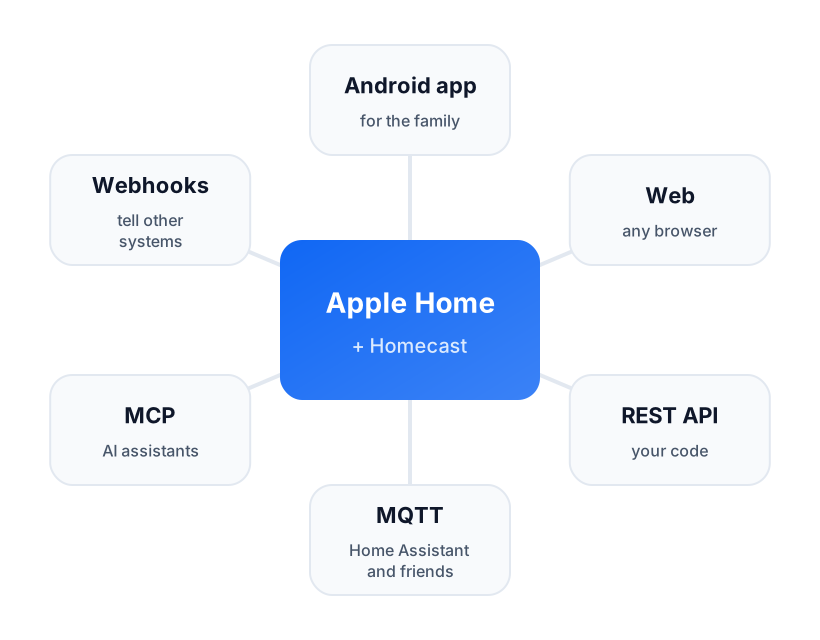
But for most households, starting again is the wrong trade. You'd be giving up something that works for most of the family to fix it for the rest. The better answer is to leave Apple Home exactly where it is, and give it a way to talk to everything else, in languages everything else already speaks:
- A web dashboard and apps for Android, so the people in your house who aren't on iPhone can use it like everyone else.
- A REST API, so anything that can make a web request can read and control your home.
- MQTT, the plain, boring, brilliant message protocol that half the home-automation world already runs on.
- MCP, so AI assistants can understand your home and act on it, with your permission.
- Webhooks, so your home can tell other systems when something happens.
That's what Homecast is: Apple Home as you set it up, with open doors in the walls. Your scenes, rooms and automations stay where they are. Nothing gets re-paired or migrated.
Open doesn't mean unlocked
The worry with opening anything up is that you've made it less safe. It's a fair worry, so a few principles we hold ourselves to:
- You decide, per home and per person. A family member can control the house without being able to invite anyone. An AI assistant can be allowed to look and not touch. A guest's passcode can stop working on Sunday evening.
- Access is something you can see and take back. Share links and connected apps are listed under Settings → Sharing, and members in each home's Share dialog. Taking any of them away is a tap.
- You can keep it in the house. The Community Edition runs entirely on your Mac, needs no account, and keeps your home's data on your own network. It's open source, so you can read exactly what it does.
Where the walls are still right
It would be dishonest to pretend open is always better. If everyone in your house has an iPhone, and you're happy with what the Home app does, you may not need any of this — Apple's experience is excellent and getting better.
And some things belong inside the walls. Apple Home's own automations run on your home hub and keep working whether or not anything else is online; that's a good place for the things that must never fail, like the porch light at sunset. Use the open doors for the things Apple Home can't do, not as a replacement for the things it does well.
The bottom line
Choose the phone you like. Choose the smart home platform you like. But those should be two separate choices, made for different reasons — and the house should work for everyone who lives in it, whatever's in their pocket.