Blog · News · 2 min read
Camera live view arrives on Homecast Cloud
Apple Home cameras and doorbells now appear in Homecast — a fresh still on the dashboard and live view when you open one, on Android, web and iPhone.
By Rob Parker
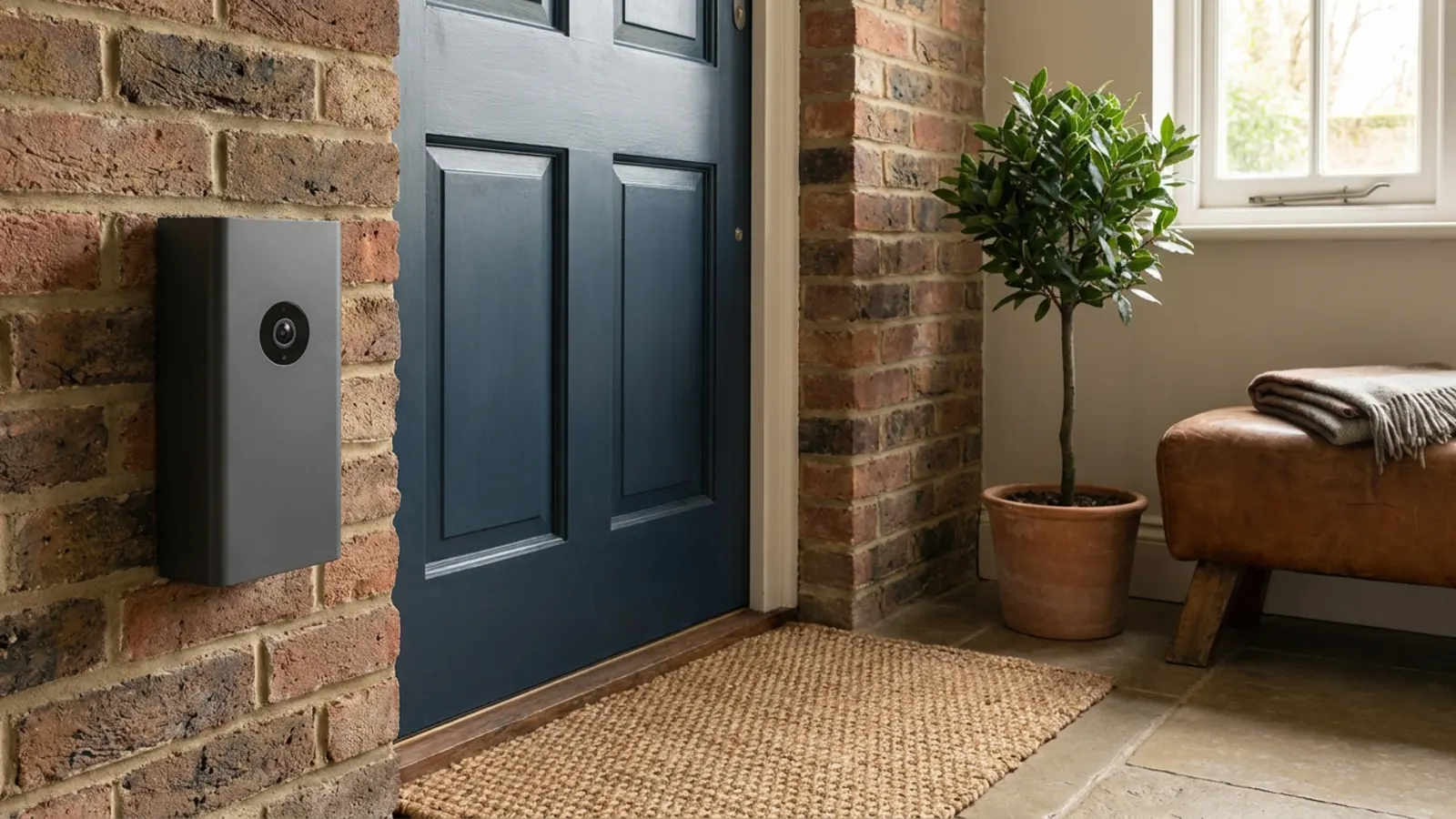
Cameras have been the most obvious gap in Homecast since the beginning. Your Apple Home doorbell would show up as a doorbell — you'd know someone had pressed it — but you couldn't see who. If you were on Android, or on a laptop, or anywhere that isn't Apple's own Home app, your cameras simply didn't exist.
As of September, for homes on Cloud Managed, they do.
What you get
A still on the dashboard. Camera and doorbell tiles now show a recent picture from the camera, filling the tile, with how old it is in the corner — just now, 12s ago. Mains-powered cameras refresh about once a minute while the tile is on screen. Battery cameras refresh every ten minutes, so checking the dashboard doesn't drain your doorbell.
Live view when you open one. Tap a camera tile and it switches to live view, labelled Live · No audio. It's a steady stream of frames rather than broadcast video — a few a second, sharp enough to see who's at the door or whether the cat got in. If live view isn't available, you get a fresh still every ten seconds or so instead.
On everything. This works in the browser, in the Android app, on iPhone and iPad, and on the Mac — anywhere you use Homecast, with no app update needed. For a family with Android phones, it's the first time a HomeKit doorbell has been something they can actually look at. (The Android family guide covers getting everyone set up.)
Bigger tiles. A camera tile can take up four cells on the dashboard, or a tall pair for portrait doorbells.
Turning it on
Cameras are off until a home's owner switches them on. Open Settings → Homes, choose your home, and turn on Show cameras in the Cameras section. Everyone in the home will then see them.
Why it's on Cloud Managed
Apple doesn't give apps a way to pull pictures out of a HomeKit camera — the pictures can only be drawn inside Apple's own camera view. So to get them to an Android phone, Homecast has to draw each camera on a Mac and capture what's drawn. That needs a Mac set aside for the job, running all the time, with a window that's never in anyone's way.
That's exactly what a Homecast-managed relay is, so cameras are part of Cloud Managed, where we run the relay for you. If your home runs on your own Mac, the Cameras section will say "Cameras are available with Cloud Managed."
Good to know
- HomeKit allows two live streams per home. If a third person opens a camera, they share a stream that's already running, or wait for one.
- There's no audio, and no recording — Homecast shows you what the camera sees now, not a clip library.
- Cameras aren't available on share links, so a guest with a passcode can turn the porch light on but can't look through your doorbell.
Cloud Managed is opening up from our waitlist. If you'd like to try it, see the plans.