Introducing Homecast
News · · 3 min read
By Rob Parker
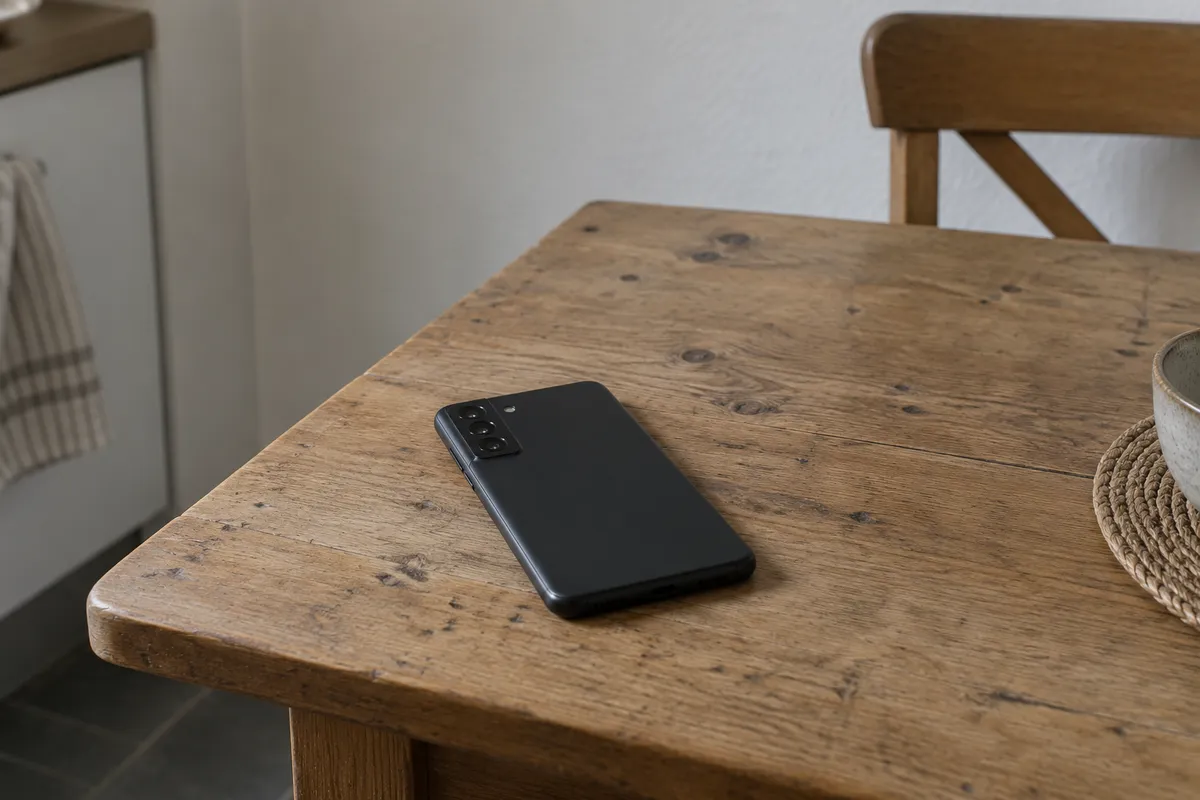
I'm sharing the first public release of Homecast. It lets you control your Apple Home from Android or a browser, and connect the same accessories to Home Assistant and your own scripts.
Your existing rooms, scenes and automations stay in Apple Home. There's no need to pair everything again, and you can keep using the Home app and Siri.
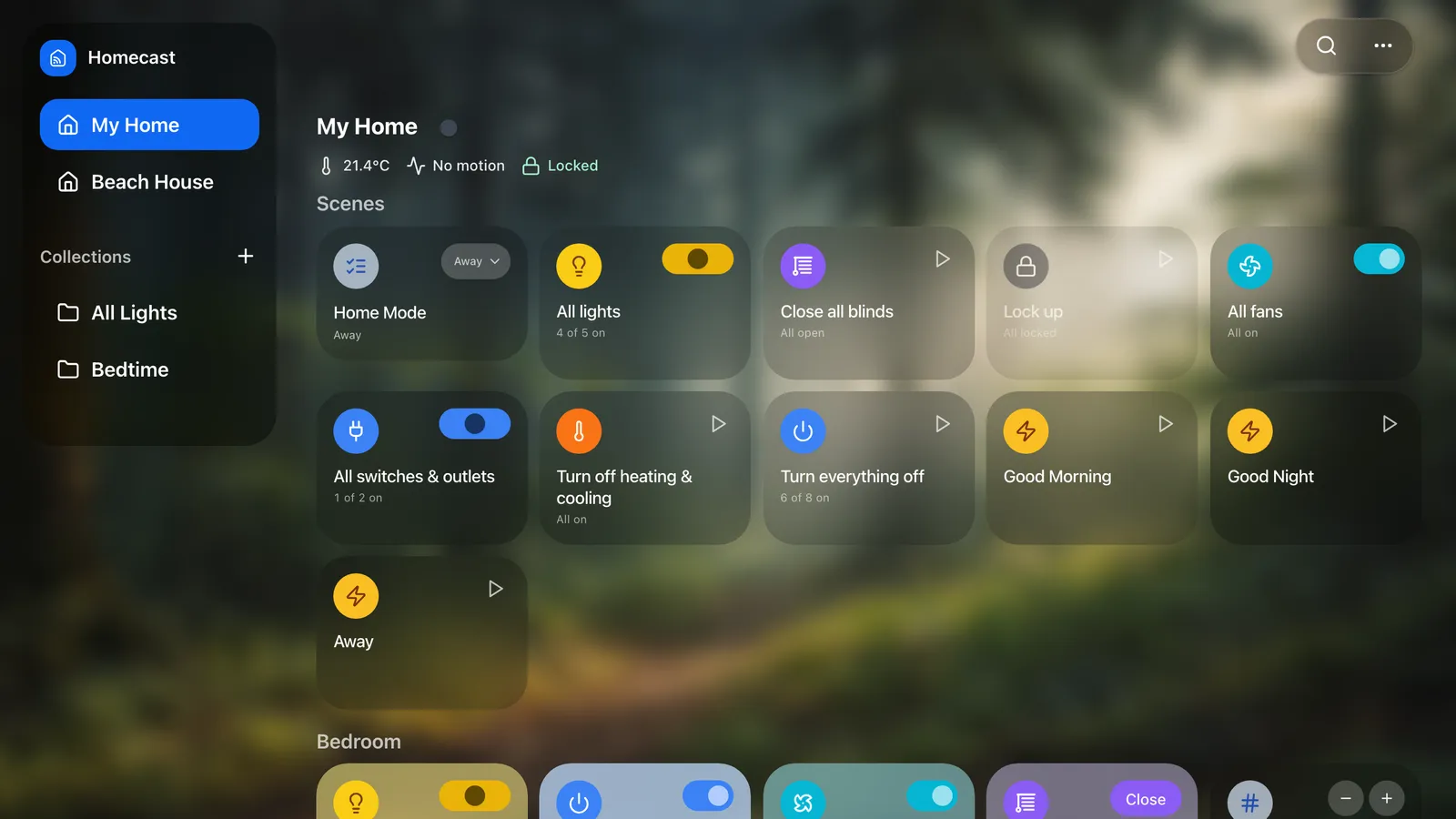
Apple Home from Android
Use the Android app or open Homecast in a browser, including on Windows and Linux. There are apps for iPhone, iPad and Mac too.
You can invite someone you live with or send a visitor a guest link. Choose what they can control, and add a passcode or expiry date for guests.
Household invitations use Homecast Cloud; Community Edition has local sharing.
Automations
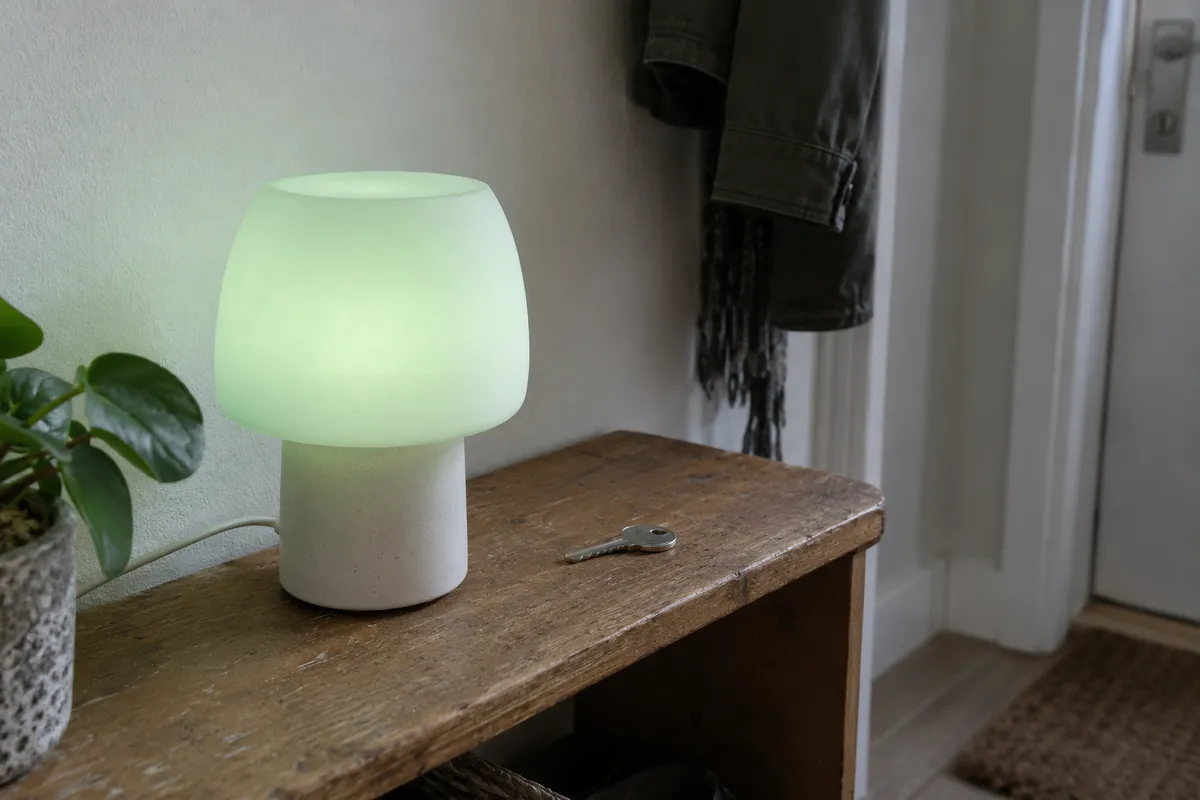
There's a visual editor for automations, with support for web requests and JavaScript. One example is a hallway lamp that tells you when to leave for the train.
Look back at what happened
Analytics lets you look back at sensor readings, lighting activity and battery levels. Recording is off by default, and sharing history with guests is a separate setting.
See Analytics in action
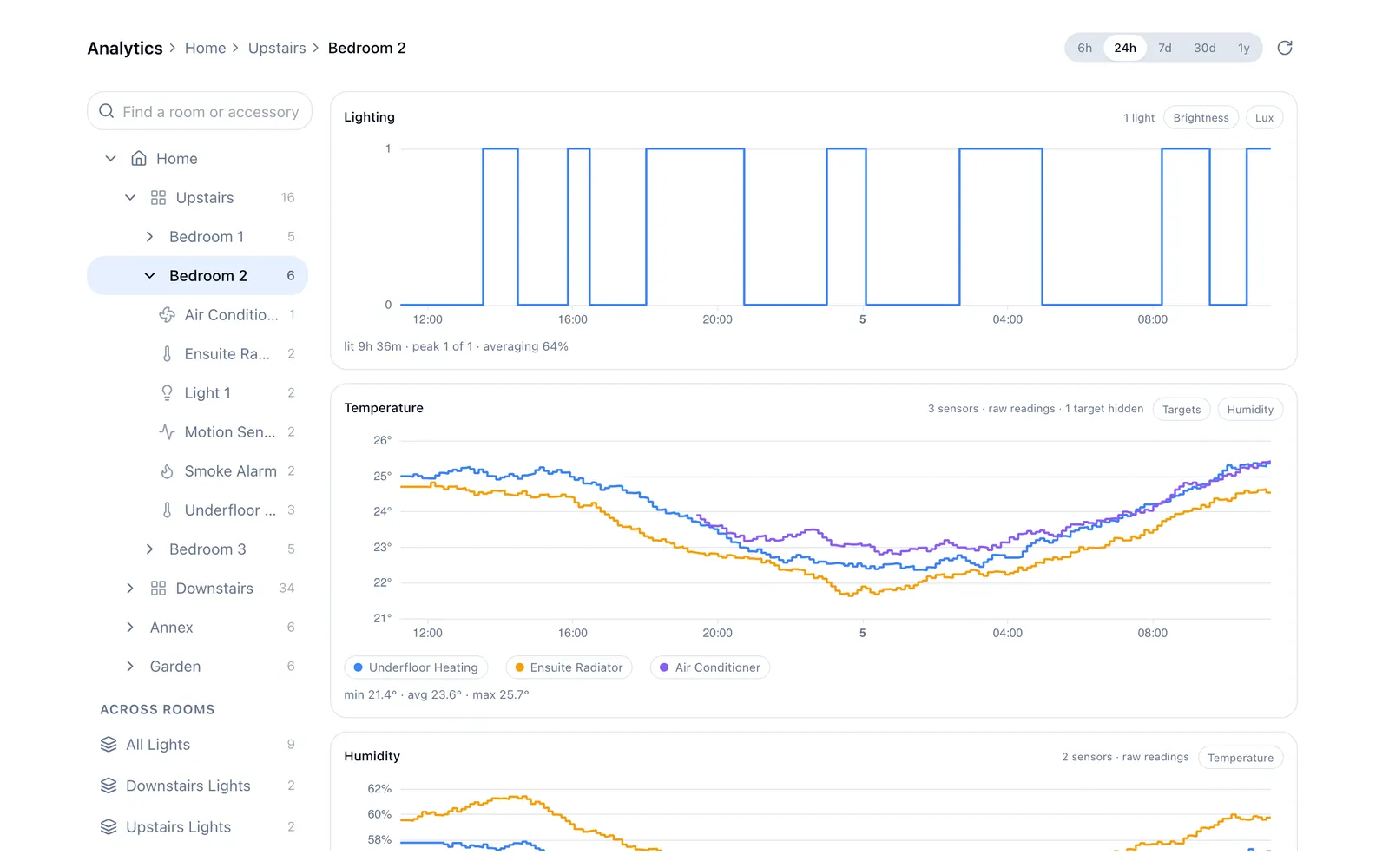
Analytics is available on every plan. Community Edition stores history on your Mac; Cloud accounts store it in your account.
Home Assistant, scripts and AI assistants
You can bring your accessories into Home Assistant, or ask Claude or ChatGPT to create a scene. You choose which homes they can access and whether they can make changes.
For your own tools, there's a REST API, Python client and MQTT support.
What you need to run it
Homecast connects through a relay: a Mac with access to your Apple Home. Use your own, or have Homecast run one for you.
| What you need | |
|---|---|
| Community Edition | Your own Mac. Free, open source, with unlimited accessories on your local network. |
| Cloud with your own relay | Your own Mac and a Homecast account, with remote access through Homecast. |
| Cloud Managed | A paid Cloud plan and an Apple TV or HomePod at home. Homecast runs the relay; you don't need a Mac. |
Your own relay needs to stay awake. New Cloud accounts may still need waiting-list approval. See pricing for the plan limits.
Start with Community Edition
Install Homecast on your Mac, choose Community, and grant HomeKit permission. Connect from the Android app or a browser on the same network using the relay's address.
There's no Homecast account or subscription. Remote use needs a VPN or tunnel; the setup guide covers that.
The source is available under the MIT licence.
Start with Homecast Cloud
Create an account, then connect a relay on your Mac or follow the Cloud Managed setup.
Basic is free and ad-supported, with up to ten accessories on your own relay. The Cloud plan includes a managed relay.
Managed setup needs an Apple Home invitation, so allow time for it to connect.
What about cameras?
Camera stills and live view need a Cloud Managed relay. Your own Mac isn't supported yet. There's no audio, recording or camera access through guest links.
Give it a try
I'd like to hear how you get on, especially if setup leaves you stuck. Send feedback through Support, or open an issue on GitHub.